
UIDAI now lets Aadhaar holders update addresses online through the Aadhaar app without visiting centres. Here's the step-by-step process.
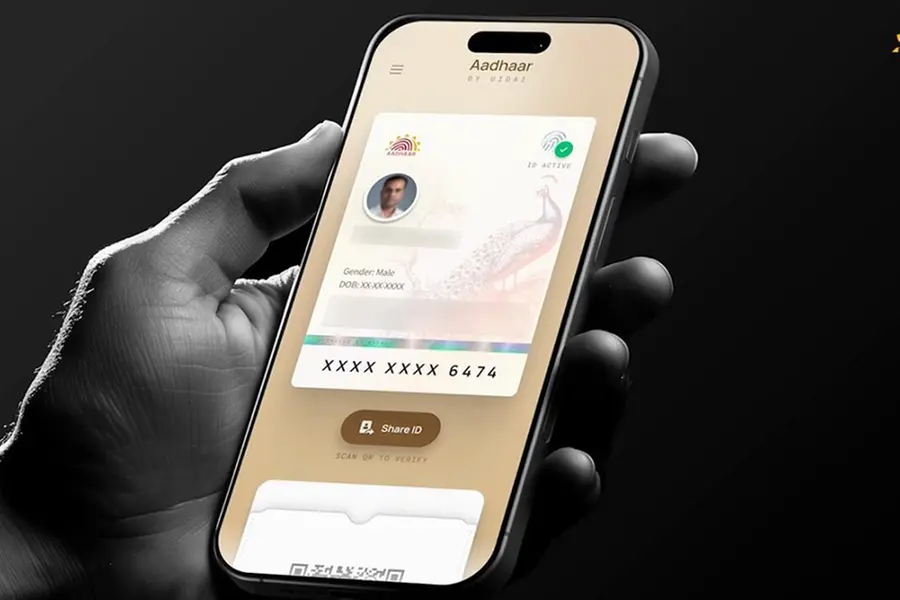
Changing the address on your Aadhaar card no longer requires a visit to an enrolment centre or submitting physical paperwork. With the updated Aadhaar app introduced by UIDAI, residents can now complete the entire address update process online using their smartphone. From document upload to request submission, the process is designed to make Aadhaar updates quicker, simpler, and more convenient.
- Start by downloading the official Aadhaar app on your smartphone.
Android users: Install from the Google Play Store
Also Read

iPhone users: Install from Apple App Store
- Log In securely:
Enter your 12-digit Aadhaar number or mobile number linked with Aadhaar
Complete authentication and set up: MPIN or Biometric/face authentication for added security
- Choose address update
- Inside the app: Open the Services section
- Select Address Update
Choose one of the available options: Update using your own valid address proof document, or Update using the Aadhaar details of a family member living at the same address
Upload a clear scanned copy or photo of an accepted address proof document, such as:
- Utility bill
- Bank statement/document
- Other approved address proof documents
- Pay the fee and submit
After uploading the required document pay the applicable update fee (around ₹75)
- Submit your request
UIDAI will verify the details. Once approved, the updated address is generally reflected within a few days to a couple of weeks.
What else can the new Aadhaar App do?
The newly launched Aadhaar app introduces additional digital identity features, including:
- Face verification for proof of presence
- One-click biometric lock and unlock
- Authentication history tracking
- QR-based contact card sharing
- Digital identity verification for services
The app also supports practical use cases such as hotel check-ins through Offline Verification Seeking Entity (OVSE) QR code scanning.
Published: 23 Jun 2026, 02:42 pm IST
Related Topics
Disclaimer: Kindly avoid objectionable, derogatory, unlawful and lewd comments, while responding to reports. Such comments are punishable under cyber laws. Please keep away from personal attacks. The opinions expressed here are the personal opinions of readers and not that of Mathrubhumi.