
How to activate your EPFO UAN online for first-time access to PF services and claims.
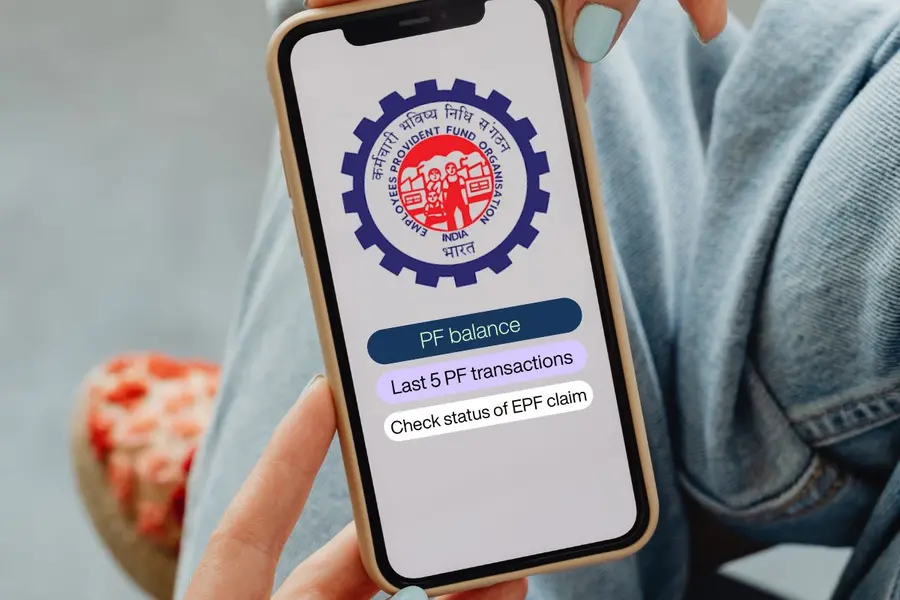
If you've recently started your first job and your employer has enrolled you in the Employees' Provident Fund (EPF), you'll receive a Universal Account Number (UAN) from the Employees' Provident Fund Organisation (EPFO).
The Universal Account Number (UAN) is a unique 12-digit identification number issued by the EPFO to every EPF member. Your UAN remains the same throughout your career, even if you change jobs. While each employer creates a new PF account number, all your PF accounts are linked to the same UAN.
Activating your UAN is the first step to accessing important EPFO services, including checking your PF balance, filing claims, updating KYC details and adding nominees. Here's a step-by-step guide to activating your UAN for the first time.
Who should activate their UAN and what do you need?
You need to activate your UAN if you are a first-time EPF member who has received a UAN from your employer or an employee who was allotted a UAN earlier but has never activated it.
Before starting the activation process, ensure you have a UAN allotted by your employer, Aadhaar linked to your EPFO records, a mobile number linked to your Aadhaar, and a matching date of birth in both your Aadhaar and EPFO records.
Steps to activate your UAN online
- Download the UMANG app from the Google Play Store or Apple App Store.
- Sign in using your Aadhaar-linked mobile number.
- Navigate to EPFO Services and select UAN Activation.
- Enter your 12-digit UAN and the Aadhaar number linked to your EPF account.
- If prompted, install the Aadhaar Face RD app.
- Enter the OTP received on your Aadhaar-linked mobile number.
- Use your phone's camera to complete the live face authentication.
- After successful verification, your UAN will be activated and you'll receive a temporary password via SMS.
- Log in to the EPFO member portal using your UAN and temporary password, then create a new password.
Published: 19 Jul 2026, 08:47 pm IST


Disclaimer: Kindly avoid objectionable, derogatory, unlawful and lewd comments, while responding to reports. Such comments are punishable under cyber laws. Please keep away from personal attacks. The opinions expressed here are the personal opinions of readers and not that of Mathrubhumi.
