
Learn essential mobile phone maintenance tips to extend its lifespan.
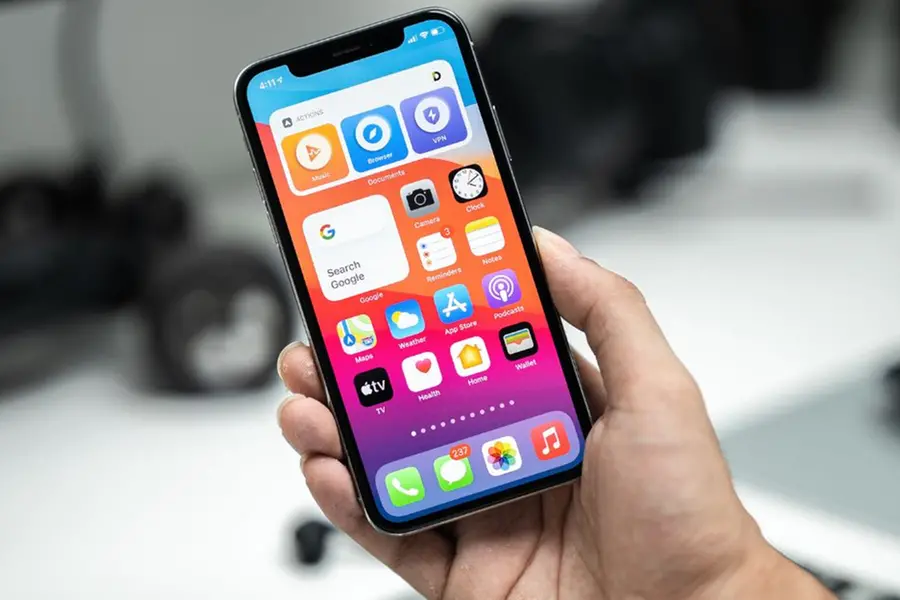
Proper maintenance of your mobile phone can help extend its lifespan and keep it running smoothly. Here are some essential tips to maintain your phone effectively.
Keep your phone clean
- Wipe your phone's screen gently with a microfibre cloth
- Be sure to give extra focus to the camera's lenses and edges
- Mix a 50/50 solution of 70 percent isopropyl alcohol and tap water
- Apply a tiny amount of the solution to the soft, lint-free cloth
- Clean the charging port and speaker grills using a soft brush or compressed air
Protect with a case and screen protector
- Use a durable phone case to protect against drops and scratches
- Apply a tempered glass or screen protector to prevent screen damage
Optimise battery health
- Avoid overcharging; unplug when it reaches 80-90 percent
- Don't let the battery drain completely to 0 percent; keep it above 20 percent
- Avoid charging in extreme temperatures
- Reduce screen brightness
- Limit background app usage Turn off unnecessary features like Bluetooth when not in use
- Keep your phone’s operating system and apps up to date for better security and performance
- Enable automatic updates for critical security patches
Manage storage wisely
- Delete unnecessary files, photos, and apps to free up space
- Use cloud storage services like Google Drive or iCloud for backups
- Clear app caches periodically to avoid slowdowns
Avoid overheating
- Avoid using your phone for heavy activities like streaming or gaming while it is charging
- Avoid exposing it to direct sunlight or extreme heat
- Close background apps to reduce processor strain
Secure your device
- Set up a strong password, PIN, or biometric lock
- Enable two-factor authentication for accounts
- Avoid downloading apps from unknown sources
Restart your phone periodically
- Restarting once a week can help clear temporary files and improve performance
Be careful with overexposures
- Even if your phone is water-resistant, avoid prolonged exposure to water
- If it gets wet, dry it immediately and avoid charging until it's completely dry
Backup your data regularly
- Use cloud backup services or external storage to avoid losing important files
Published: 25 Feb 2025, 07:30 am IST
Related Topics
Disclaimer: Kindly avoid objectionable, derogatory, unlawful and lewd comments, while responding to reports. Such comments are punishable under cyber laws. Please keep away from personal attacks. The opinions expressed here are the personal opinions of readers and not that of Mathrubhumi.
