
EPFO members can now easily access their PF details through the DigiLocker app.
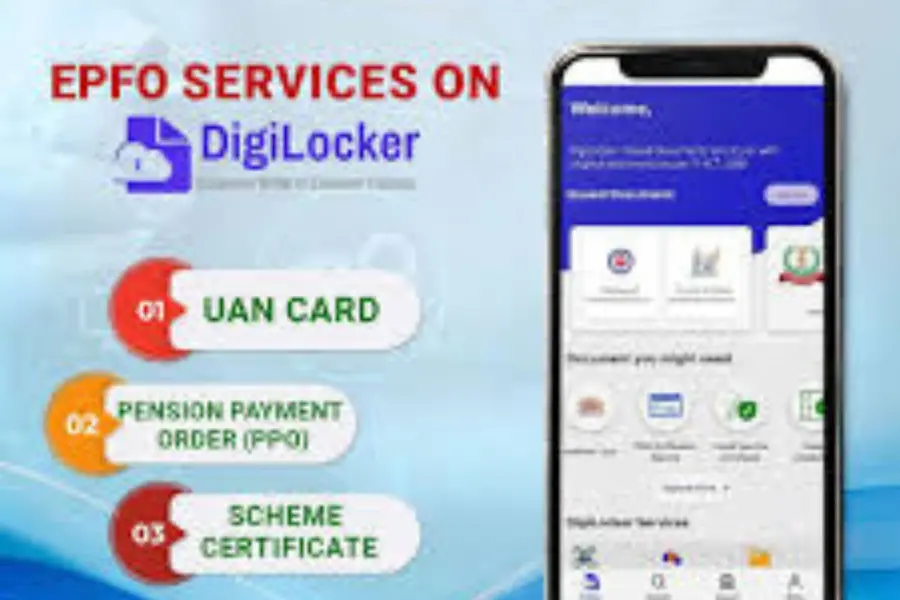
Checking your PF balance or downloading your UAN card just got easier now. The government has integrated Employees’ Provident Fund Organisation (EPFO) services with the DigiLocker app, allowing members to access all key PF documents anytime, anywhere. From viewing your Pension Payment Order (PPO) to checking your latest PF balance, everything can now be done digitally in a few quick steps, making PF management simpler than ever before.
Let’s check the steps to link an EPFO account to DigiLocker
- Install DigiLocker
Open Google Play Store or Apple App Store, search DigiLocker, and download and install the app.
Register / Log in
If you’re a new user, register with your mobile number and create an account.
If you already have an account, simply log in.
- Link EPFO to DigiLocker
In the app search for EPFO / Employees' Provident Fund. Choose to link your EPFO/UAN account.
- Verify with Aadhaar
Enter your Aadhaar details when prompted and complete the OTP-based verification (OTP will be sent to the mobile number linked with your Aadhaar).
- Sync your PF account
After Aadhaar verification the app will sync with EPFO and fetch your PF records. Wait for the sync to finish.
- Access & download documents
Open the EPFO section in DigiLocker.
You can:
View and download your UAN card.
View/download Pension Payment Order (PPO) if applicable.
View/download PF passbook / PF certificate.
See the latest PF balance and transaction history.
Save or share
Use the app options to download PDFs to your device or share them securely when needed.
Note: These EPFO features were available on the UMANG app earlier; they’re now accessible via DigiLocker for direct document viewing and downloads.
- Quick alternative: SMS / missed-call method (no app required)
SMS: From the mobile number linked to your UAN, send the text ‘EPFOHO’ to 77382 99899. You’ll receive your PF balance and account info via SMS shortly.
Missed call: If your mobile number is linked to your UAN and activated, with KYC, give a missed call to 9966044425 to get automated balance info.
Published: 04 Nov 2025, 01:30 pm IST
Related Topics
Disclaimer: Kindly avoid objectionable, derogatory, unlawful and lewd comments, while responding to reports. Such comments are punishable under cyber laws. Please keep away from personal attacks. The opinions expressed here are the personal opinions of readers and not that of Mathrubhumi.
