
Google Pay has introduced the Pocket Money feature on its UPI Circle, enabling users to facilitate payments for family and friends who do not have a bank account. Here’s a closer look at how it works and its safety features.
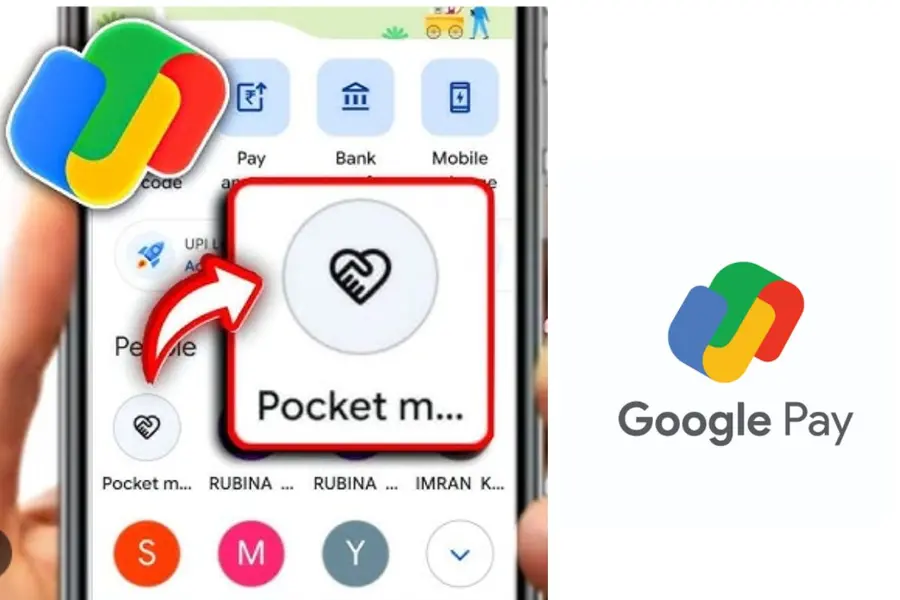
Google has rolled out a new feature called Pocket Money on UPI Circle on Google Pay, enabling users to facilitate UPI payments without a bank account for friends, family members, and dependents.
The feature is designed to simplify digital payments in India, allowing a primary user to authorise and manage transactions for others through the UPI Circle system.
What is UPI Circle and how it works
Under the UPI Circle on Google Pay, an existing user becomes the Primary user, who can add up to five Secondary users—such as family members, friends, or employees.
Secondary users can then make UPI transactions using the primary user’s bank account, removing the need for them to have their own bank account while still enabling seamless digital payments.
Google said the feature is particularly useful for managing pocket money, allowances, and assisted payments, especially for children, elderly users, or staff.
Also read| Delays in overseas funds? RBI changes aim to speed up cross-border inward payments
Transaction control and payment limits
The Pocket Money feature on Google Pay offers two modes of delegation to control spending:
- Full delegation: Primary users can set a monthly transaction limit of up to ₹15,000, allowing Secondary users to make payments independently within the limit.
- Partial delegation: Every transaction requires real-time approval from the Primary user, ensuring tighter control over payments.
Primary users can also customise transaction limits, payment approvals, and usage settings, making it a flexible tool for UPI payment management.
How to use Pocket Money on Google Pay
To activate the feature, the Primary user must have an active bank account linked to Google Pay.
Steps to set up UPI Circle Pocket Money:
- Open the Google Pay app and navigate to UPI Circle
- Select the Secondary user from contacts or via phone number
- Scan the user’s UPI Circle QR code
- Choose approval mode: “Approve every payment” or “Set a monthly limit”
- Enter the preferred monthly limit (if applicable)
- Add optional details such as relationship and ID information
- Select the bank account to link and send an invite using the UPI PIN
To be added, the Secondary user must have their number saved in the Primary user’s contacts and be registered on Google Pay with a valid UPI ID or UPI Circle QR.
Also read| E-retail surge: Is India ready for a $180 billion market by 2030?
Boost to the digital payments ecosystem in India
The rollout of Google Pay UPI Circle Pocket Money feature is expected to expand access to cashless transactions in India, especially among users without direct banking access.
By enabling secure, controlled UPI payments, the feature strengthens India’s growing digital payments ecosystem while offering greater flexibility in managing everyday transactions.
Published: 10 Apr 2026, 12:54 pm IST
Disclaimer: Kindly avoid objectionable, derogatory, unlawful and lewd comments, while responding to reports. Such comments are punishable under cyber laws. Please keep away from personal attacks. The opinions expressed here are the personal opinions of readers and not that of Mathrubhumi.
