
Learn how to easily reset your EPFO login password online using your UAN.
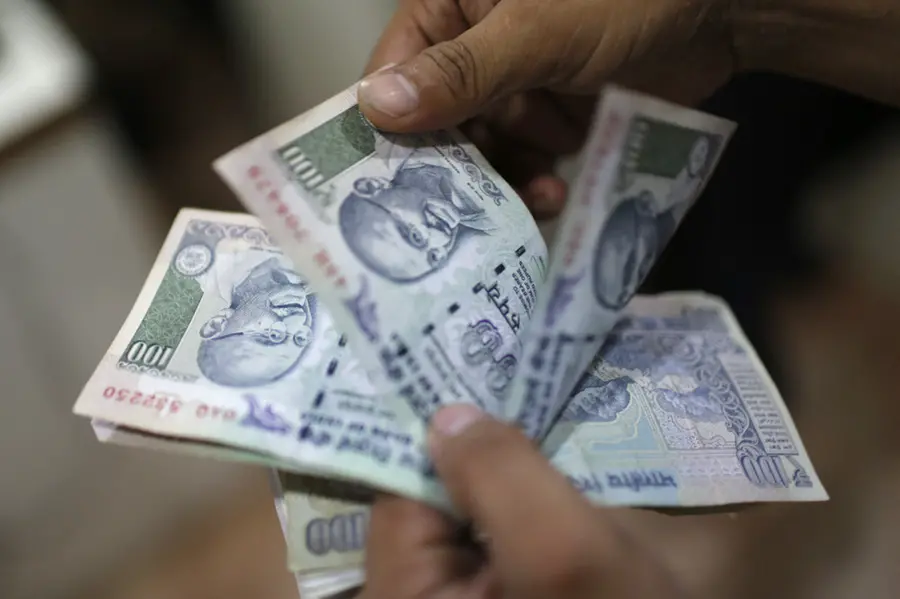
The Employees' Provident Fund Organisation (EPFO) is a government-run body under the Ministry of Labour and Employment, India. It manages retirement savings and social security benefits for employees working in the organised sector. It operates under the Ministry of Labour and Employment, Government of India.
If you can’t remember your EPFO login password, don’t worry; resetting it is quite easy and can be done online.
- Go to epfindia.gov.in
- Click on ‘Forgot Password’
- You’ll be asked to enter your UAN (Universal Account Number). After typing it in, click ‘Verify’.
- After verification of your details. An OTP will be sent to the number.
- Enter your name, date of birth, gender, and select a KYC document (like Aadhaar or PAN), along with its number.
- Once you’ve filled everything, click the ‘Verify’ button.
- You’ll get an OTP on your registered mobile number.
- Enter the OTP.
- Now create a fresh password for your EPFO account.
- Retype the password to confirm.
- Now use your UAN and the new password to log in and access your EPF passbook or account details.
Published: 11 May 2025, 01:54 pm IST
Disclaimer: Kindly avoid objectionable, derogatory, unlawful and lewd comments, while responding to reports. Such comments are punishable under cyber laws. Please keep away from personal attacks. The opinions expressed here are the personal opinions of readers and not that of Mathrubhumi.
