
Learn how to easily fill and submit your voter list update (SIR form) online.
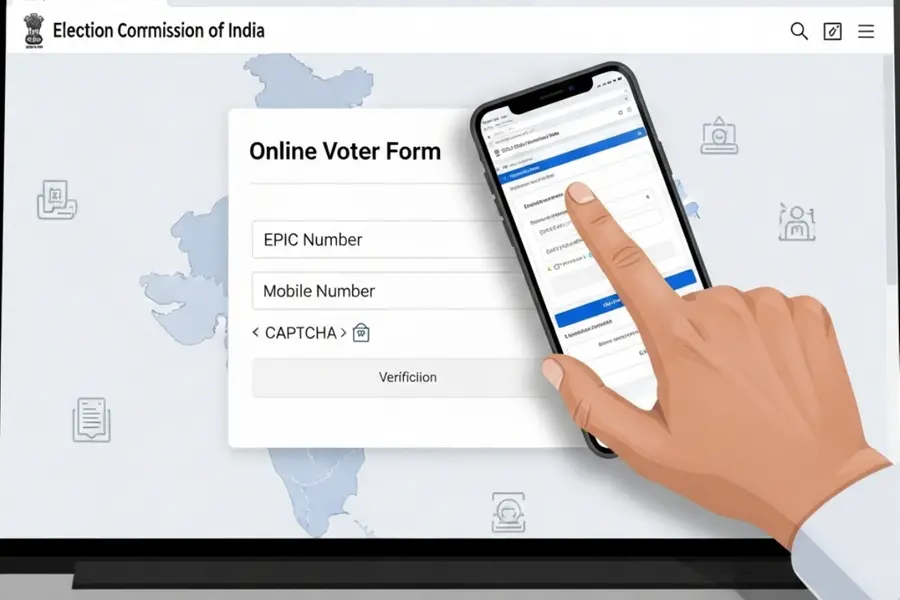
The process of updating the voter list across multiple Indian states is underway as part of the Special Intensive Revision, with the Election Commission of India shifting the entire system to a fully digital format for the first time.
Voters can now fill out the SIR form directly on the official ECI portal or the respective state CEO websites, removing the need to find, download or submit any physical forms.
Also Read

What the SIR form is
The Special Intensive Revision (SIR) is part of the Election Commission’s annual exercise to update and re-verify voter information. The SIR form is used to confirm and correct voter details, and the entire system has now shifted to a digital format.
Why EPIC–mobile linking is required
To submit the SIR form online, voters must have their EPIC — the Electors Photo Identity Card number — linked to a valid mobile number. The EPIC is a unique 10-digit identifier printed on the voter ID card. The online portal will not allow submission unless this linkage is completed. If it is not linked, users can update it immediately online through Form-8.
How to fill the SIR form online: Step-by-step
- Visit voters.eci.gov.in.
- Select Fill Enumeration Form.
- Log in using your mobile number (sign up if you do not have an account).
- Enter your EPIC number and select your state.
- Your voter details will appear on the screen.
- If your EPIC is not linked to your mobile number, link it first using Form-8.
- Once linked, log in again and open the enumeration form.
- Complete all required fields.
- Submit the form using Aadhaar-based e-sign.
- The name on the Aadhaar card must match the name on the EPIC for e-sign to function.
How to check whether the SIR form has been uploaded
- Go to voters.eci.gov.in.
- Select Fill Enumeration Form.
- Log in using your mobile number and OTP.
- After logging in, select Fill Enumeration Form again.
- Enter your EPIC number and click Search.
If your form has been uploaded, the system will display a message confirming that it has been submitted with the mobile number on record.
If no such message appears, the form has not been uploaded and must be filled again.
In situations where the mobile number shown is incorrect, or if the system claims that a form has been submitted despite the voter not filing it, the Election Commission advises contacting the relevant Booth Level Officer for immediate verification and correction.
When to contact the BLO
Users should contact their local Booth Level Officer if:
- The mobile number displayed on the portal is incorrect.
- The portal shows a submitted form even though the voter has not filed it.
- Verification or corrections are needed before submission.
India’s Special Intensive Revision has moved entirely online, requiring voters to complete the SIR form digitally and ensure their EPIC is linked to an active mobile number.
Published: 23 Nov 2025, 03:54 pm IST


Disclaimer: Kindly avoid objectionable, derogatory, unlawful and lewd comments, while responding to reports. Such comments are punishable under cyber laws. Please keep away from personal attacks. The opinions expressed here are the personal opinions of readers and not that of Mathrubhumi.