How to complete LPG Aadhaar e-KYC from home
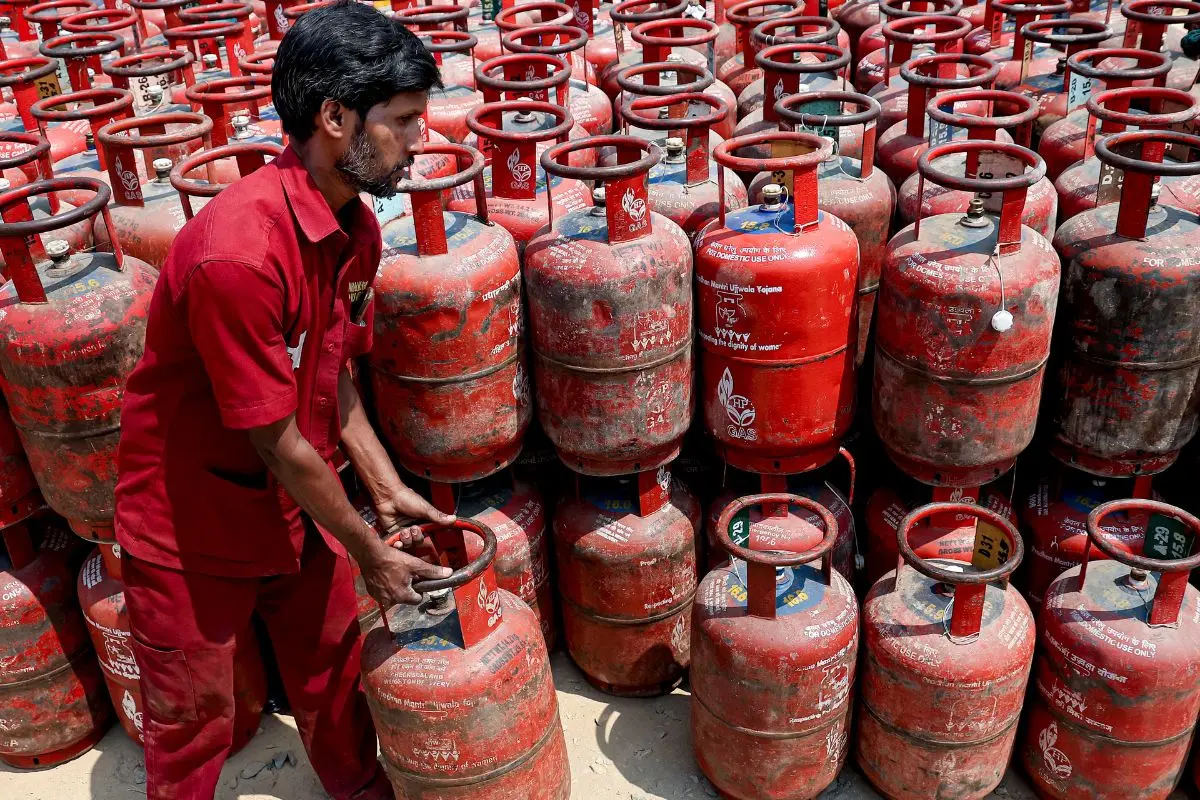
The Ministry of Petroleum and Natural Gas has made biometric Aadhaar authentication (e-KYC) mandatory for all domestic LPG consumers. The move is aimed at ensuring targeted subsidy delivery and preventing misuse, especially amid global energy uncertainties linked to West Asia tensions.
The directive applies to customers of Indian Oil, Bharat Petroleum, Hindustan Petroleum
Consumers can now complete the process from home using their smartphones, eliminating the need to visit LPG distributors.
Why this rule matters
- Ensures subsidies reach genuine beneficiaries
- Helps eliminate duplicate or inactive connections
- Strengthens distribution efficiency during supply disruptions
Failure to complete e-KYC may lead to disruption in LPG refill services and suspension of subsidy benefits
Special rule for Ujjwala beneficiaries
- For beneficiaries of the Pradhan Mantri Ujjwala Yojana (PMUY):
- Biometric authentication is mandatory at the start of every financial year
- It must be completed before the first refill to continue receiving subsidies
- New rule for inactive LPG connections
Regulations have also been tightened by oil companies. If no refill is booked for over 9 months, consumers may need to complete physical KYC at the distributor office before placing a new order
Steps to complete LPG e-KYC from Home
- Download your LPG provider's app (Indian Oil, Bharat Petroleum or Hindustan Petroleum)
- Install the Aadhaar FaceRD app, which is compatible with iOS and Android.
- Access your LPG account by logging in: Use your LPG ID or registered mobile number.
- Choose the option for e-KYC/Aadhaar authentication.
- Enter your Aadhaar information; make sure that your Aadhaar is linked with your mobile number.
- The app will redirect you to the FaceRD app for your face authentication
- Finish the facial scan by following the verification instructions on the screen.
- You will receive confirmation once authentication is successful