
Cybersecurity firm Malwarebytes warns that hackers are already sharing the data online, putting users at risk of phishing attacks, impersonation, and account takeovers.
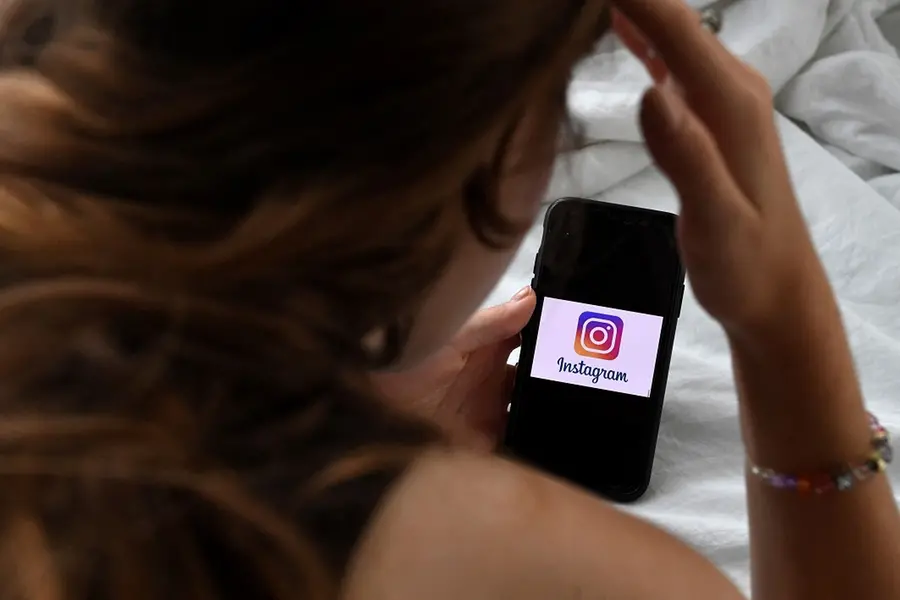
A massive data breach has exposed sensitive information from 17.5 million Instagram accounts, according to cybersecurity firm Malwarebytes. The leaked data, which is already circulating on hacker forums, includes usernames, full names, email addresses, phone numbers, partial physical addresses, and other contact information.
The breach was uncovered during Malwarebytes’ ongoing dark web monitoring efforts. The firm warns that attackers could exploit the leaked data for impersonation scams, phishing attacks, and credential theft, often leveraging Instagram’s password reset process to take over accounts.
Meta, Instagram’s parent company, has not yet confirmed the breach.
Also Read: Your data isn’t safe: New cyber espionage plot targets India’s top institutions
If you think your account has been hacked or targeted, here are steps to secure it:
1. Check for Security Emails from Instagram
If you received an email from security@mail.instagram.com notifying you of changes to your account, such as an email or password update, you may be able to reverse them by selecting Secure my account in that message.
2. Request a Login Link
To regain access to your account:
1. Tap Forgotten password? on the login screen.
2. Enter your username, email, or phone number, then click Send login link.
3. Complete the captcha and click Next.
4. Use the link sent to your email or SMS to log in and follow instructions.
If you don’t have access to the associated email, phone, or username, visit Instagram’s help page for further guidance.
3. Request a Security Code or Support
If the login link doesn’t work, you can request support on a mobile device:
- Provide a secure email address you can access.
- Instagram will email you the next steps.
4. Verify Your Identity
Depending on your account type:
- Accounts without photos: Provide the email/phone linked to your account and the device you used at signup.
- Accounts with photos: Submit a video selfie turning your head in multiple directions. This video will be used solely to verify your identity, will never be posted, and will be deleted within 30 days.
If verification fails, you can submit a new video for review.
5. Secure Your Account if You Can Still Log In
- Even if you still have access:
- Change your password immediately.
- Enable two-factor authentication.
- Confirm that your phone number and email are correct.
- Check Accounts Centre and remove unfamiliar linked accounts.
- Revoke access for suspicious third-party apps.
Published: 10 Jan 2026, 04:55 pm IST
Related Topics
Disclaimer: Kindly avoid objectionable, derogatory, unlawful and lewd comments, while responding to reports. Such comments are punishable under cyber laws. Please keep away from personal attacks. The opinions expressed here are the personal opinions of readers and not that of Mathrubhumi.
