
Kerala voters can check names online in local body electoral rolls using EPIC or SEC ID.
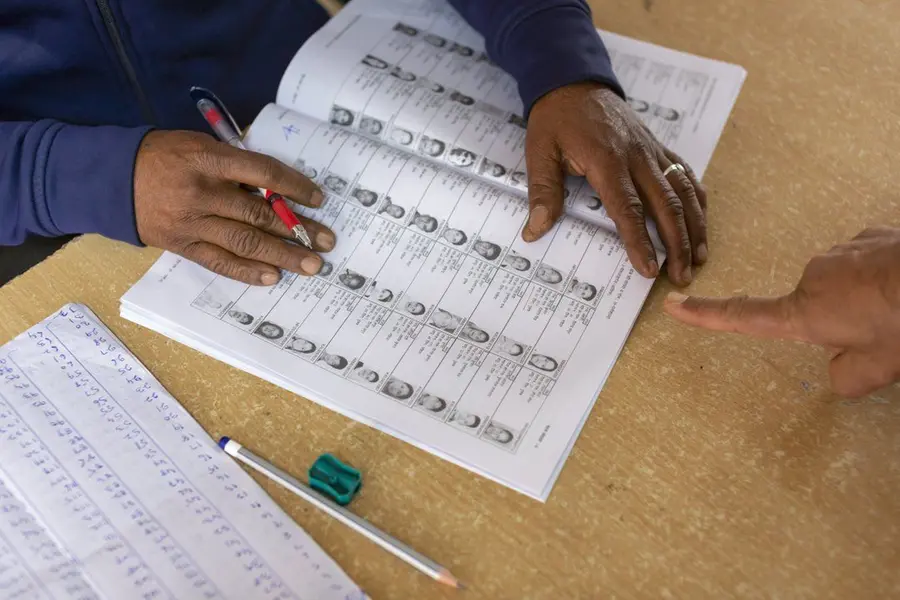
Kerala: The State Election Commission (SEC) on Friday said that voters can check whether their names are in the local body electoral rolls by clicking the Voter Search option on its website: www.sec.kerala.gov.in. Searches can be done at three levels: state, local body, and ward.
How to search
When applying to check the electoral roll, voters can use the name they provided during registration and their Election Photo Identity Card (EPIC) number issued by the Election Commission of India. There are old and new EPIC numbers, and only the correct one will work for the search.
Voters can also check using the old or new SEC ID number given by the State Election Commission.
State-level search
To check at the state level, go to Voter Services on the website and click Search Voter Statewise. Two options appear on the top-left: Search by EPIC / Old SEC ID and Search by New SEC ID.
Names can be searched using:
- EPIC number
- Old SEC ID number
- New 9-digit SEC ID number
Local body search
Click Search Voter Localbodywise to search at the local body level. Enter the district and local body names, then provide the voter’s name, EPIC number, or old/new SEC ID to check the name.
Ward-level search
Click Search Voter Wardwise to check at the ward level. Accurate name and ID details are needed for the search to work.
Reporting duplicate votes
“If anyone has complaints about duplicate votes, they can report the matter to the concerned Electoral Registration Officer,” the SEC said.
Published: 03 Oct 2025, 09:38 pm IST


Related Topics
Disclaimer: Kindly avoid objectionable, derogatory, unlawful and lewd comments, while responding to reports. Such comments are punishable under cyber laws. Please keep away from personal attacks. The opinions expressed here are the personal opinions of readers and not that of Mathrubhumi.
