
Opening a Janaushadhi Kendra has become easier than ever with the government’s online application system.
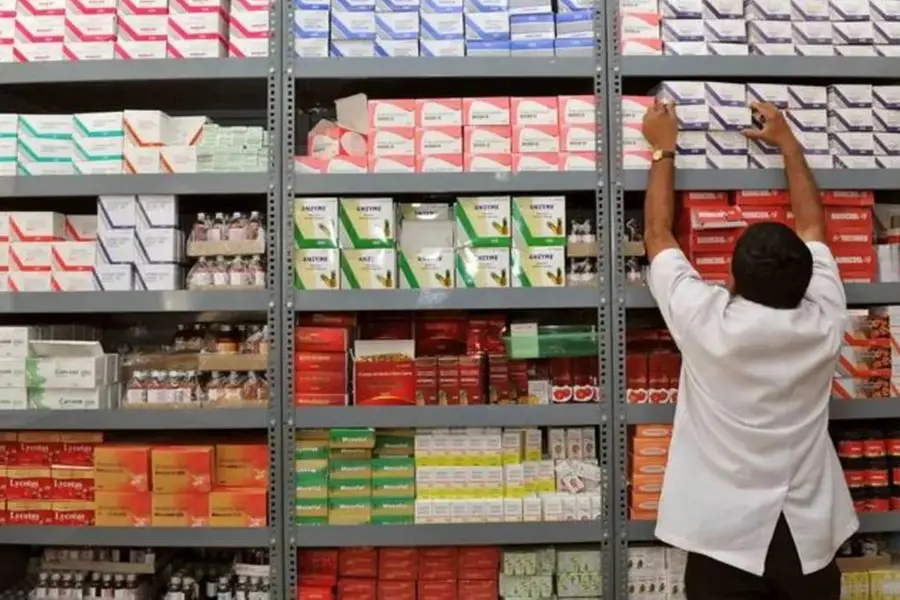
The Government of India’s Pradhan Mantri Bhartiya Janaushadhi Pariyojana (PMBJP) aims to make quality medicines available to all at affordable prices through Janaushadhi Kendras across the country. If you’re interested in opening a Kendra and becoming part of this social initiative, the entire application process can now be completed online. Here’s a step-by-step guide on how to apply for a Janaushadhi Kendra through the official portal.
Setting up a Janaushadhi Kendra is now a simple online process through the official website of the Bureau of Pharma PSUs of India (BPPI). Follow these steps to apply:
- Go to the official website — janaushadhi.gov.in
- On the homepage, select the "APPLY FOR KENDRA" tab.
- Now, select ‘REGISTER NOW’ and fill in your details, such as name, mobile number, and email ID.
- Once registration is complete, you’ll receive a confirmation email with a unique USER ID and PASSWORD for logging into the portal.
- Log in using your credentials or use the ‘Get OTP’ option with your registered mobile number or email ID.
- Fill out the application form carefully, providing:
- Basic details and proposed Kendra details, ensuring you follow the distance policy.
- Upload all required documents in PDF format (each under 5 MB).
- For location tagging, drag and drop the map icon to pinpoint your exact address or shop location.
- Pay the application fee of ₹5,000 through the secure online payment gateway on the portal.
- You will receive a confirmation email once your application has been submitted. You can check the status of your application at any time by going into your account or by calling the 1800-180-8080 helpline.
Published: 30 Oct 2025, 08:15 pm IST
Disclaimer: Kindly avoid objectionable, derogatory, unlawful and lewd comments, while responding to reports. Such comments are punishable under cyber laws. Please keep away from personal attacks. The opinions expressed here are the personal opinions of readers and not that of Mathrubhumi.
