
Microsoft quietly rolls out KB5001716 update as Windows 10 nears end-of-support in 2025
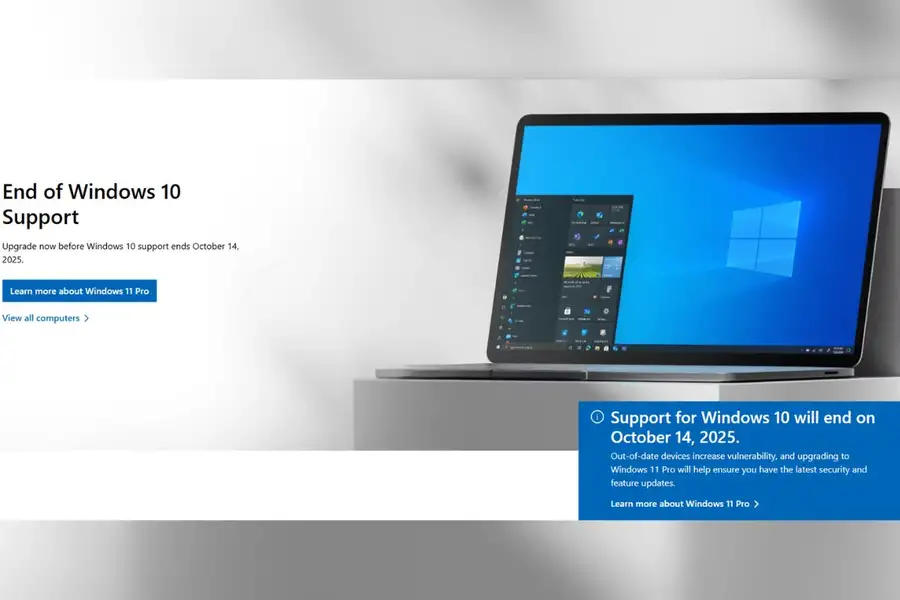
A quiet new update has begun reaching Windows 10 devices, sparking curiosity among users. Identified as KB5001716, the update does not aim to fix bugs or improve performance, yet it is being automatically installed on many systems.
With Microsoft preparing to conclude support for Windows 10 on October 14, 2025, this update is seen as part of its wider effort to transition users away from the ageing operating system. Although it poses no immediate threat, it quietly signals the start of Windows 10’s gradual phase-out.
What is the KB5001716 update?
KB5001716 is targeting Windows 10 versions 22H2 and 21H2, and has even been reported on some Windows 11 21H2 machines. Unlike typical updates, it does not deliver security enhancements or new features. Instead, its main function is to display notifications about the upcoming end of support.
According to Microsoft, after installing this update, users will begin receiving reminders that their current version of Windows is approaching the end of its service life. The goal is to prompt users to either upgrade to Windows 11 or explore other options in good time.
No performance impact, just background prompts
Though installed quietly, KB5001716 does not affect system performance or cause bugs. It works behind the scenes to gently encourage users to make decisions about upgrading their systems.
Microsoft has clarified that the notifications introduced by this update will not interrupt users during critical tasks. Full-screen apps, gaming, presentations, and quiet hours will remain undisturbed. However, the alerts are designed to be frequent enough to ensure users take notice and plan accordingly.
Having trouble installing the KB5001716 update? Try this fix
A few users have encountered issues while trying to install the KB5001716 update. The installation may not go through if a previous version of the same update is already present on the system. To fix this, uninstall the existing version through the Windows Update settings and then attempt a fresh installation. This often resolves the problem.
Published: 03 Jul 2025, 07:00 pm IST


Related Topics
Disclaimer: Kindly avoid objectionable, derogatory, unlawful and lewd comments, while responding to reports. Such comments are punishable under cyber laws. Please keep away from personal attacks. The opinions expressed here are the personal opinions of readers and not that of Mathrubhumi.
