How to apply for Encumbrance Certificate?
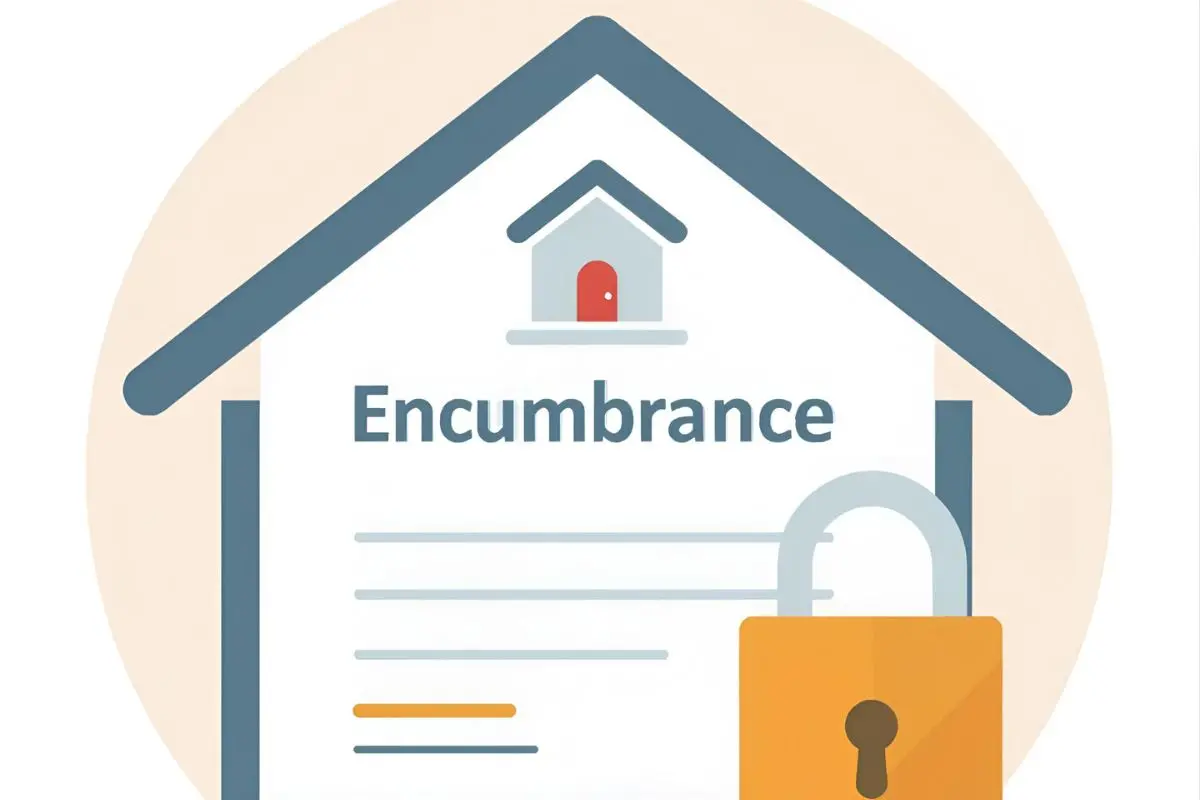
An Encumbrance Certificate (EC) is an official document that certifies a property’s title is clear of any financial liabilities or legal claims. It shows that the property is not tied up in mortgages, loans, or disputes, thereby confirming that the title is clean and the property can be transferred or sold without hindrance.
- Open the EC application form
- Visit: https://pearl/registration.kerala.gov.in
Go to Applications (EC, CC) → Encumbrance Certificate → Submit Application for EC. The “Application for Encumbrance Certificate” window will be opened on the screen.
- Fill ‘Previous Document Details’ and save
- Enter all required fields up to “Previous Document Details” and click Save/Update.
• Note: this Save/Update only saves the previous document details. You’ll see the saved details on screen.
- Add Property & Boundary details and save
- Enter the property details and the boundary of the property, then click Save/Update.
• Note: this Save/Update affects only the Property Details and Boundary. The saved property and boundary details will now appear.
Enter the search period & calculate fee
Provide the search period and click Calculate Fee. The fee for the search period will be displayed.
- Complete the remaining mandatory fields and submit
- Fill any remaining mandatory fields, tick the “I agree” checkbox, and click Submit Application.
- Acknowledgement window gets opened
When the Acknowledgement window appears, click ‘View Acknowledgement’.
- Print and keep the receipt
- After successful submission of the application, click ‘Print’ to get a hard copy of the Acknowledgement Receipt for future reference.