CBSE Class 10 Second Board Exam results 2026 declared; Here's how to check scorecard
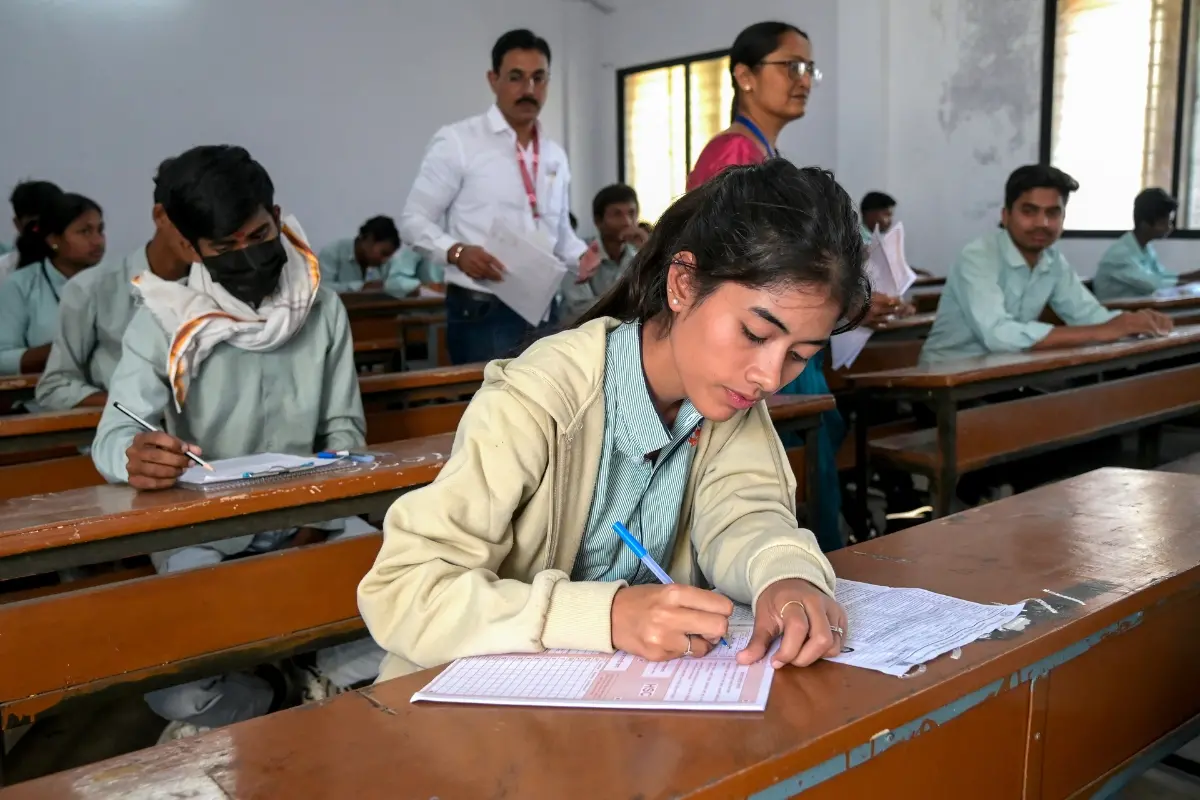
The Central Board of Secondary Education (CBSE) has declared the Class 10 second board examination results. Students who appeared for the optional improvement examination can access and download their digital marksheets through DigiLocker. The results are also available on the official CBSE websites.
How to check CBSE Class 10 second board result on DigiLocker
- Visit the DigiLocker website or open the DigiLocker mobile app.
- Sign in using your registered mobile number or Aadhaar credentials.
- Go to Issued Documents and select Central Board of Secondary Education (CBSE).
- Choose Class 10 Marksheet/Passing Certificate 2026.
- Enter the required details, including your roll number, school number and admit card ID, if prompted.
- Submit the details to view and download your digital marksheet.
Students should verify the details on the marksheet, including their name, roll number, subject-wise marks and qualifying status. In case of any discrepancy, they should contact their school or CBSE for correction.
The second board examination was introduced this year under the National Education Policy (NEP) 2020 as part of the new two-exam system for Class 10. While the first board examination was mandatory, the second attempt allowed students to improve their scores. CBSE will consider the higher marks obtained in either attempt for the final marksheet.
To pass the second board examination, students must secure at least 33% marks as prescribed by the board. Those who do not meet the minimum qualifying criteria will have to appear for the compartment examination in accordance with CBSE guidelines.