WhatsApp stopped working on these iPhones and Android phones: Check if yours is affected
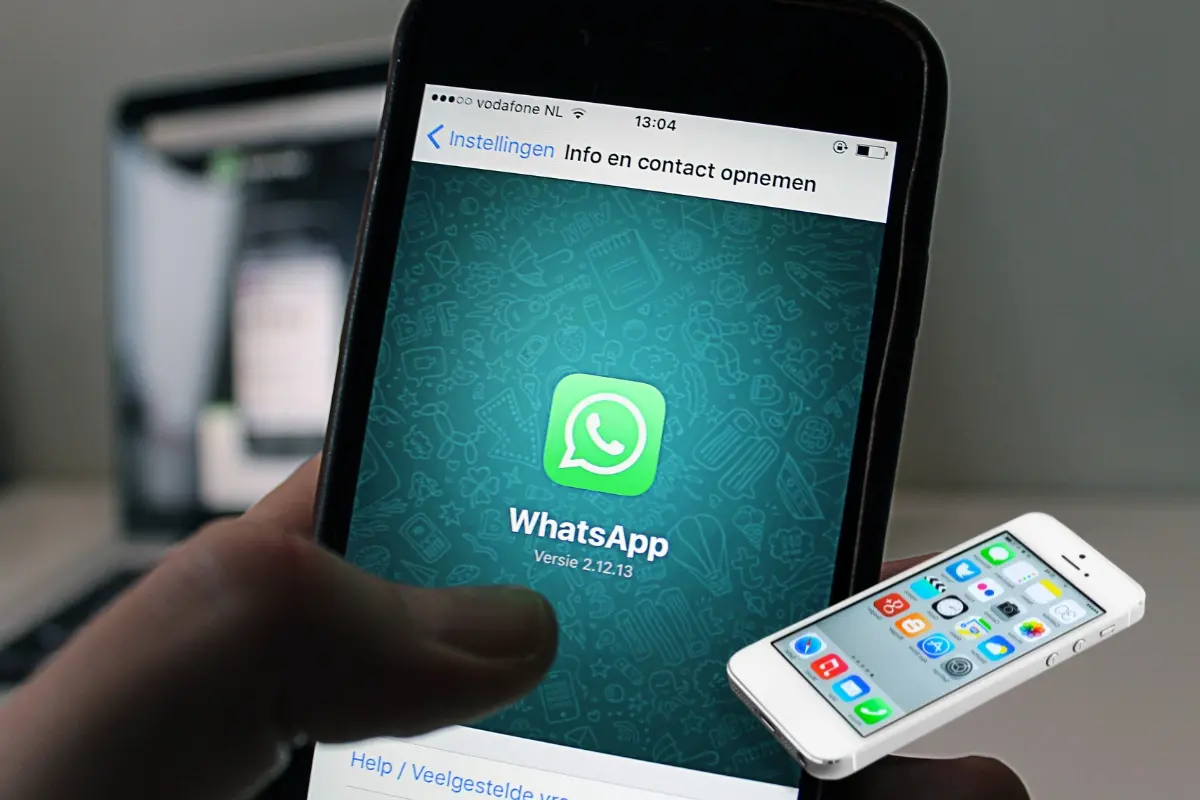
If you're using an older smartphone, you may no longer be able to use WhatsApp as of June 1, 2025. The popular Meta-owned messaging app has officially stopped working on devices running iOS versions below 15.1 and Android versions below 5.1.
This update was originally scheduled for May 5 but was delayed to give users more time to prepare. The change is part of WhatsApp’s regular update cycle to ensure better performance and security across devices.
Which iPhones are affected?
WhatsApp will no longer support iPhones that cannot update beyond iOS 15.1. This includes:
iPhone 5s
iPhone 6
iPhone 6 Plus
Note: iPhone 6s, 6s Plus, and iPhone SE (1st gen) are still supported if updated to iOS 15.8.4.
Which Android phones will lose access?
Any Android device running Android 5.0 (Lollipop) or earlier will no longer support WhatsApp. This includes older models like:
Samsung Galaxy S3
HTC One X
Sony Xperia Z
(Specific models vary by brand and region.)
Why is WhatsApp doing this?
WhatsApp regularly raises its minimum requirements to:
- Use newer security features
- Improve speed and reliability
- Support modern features like video calling and new interface tools
- Older phones often lack the necessary hardware or software to keep up.
What can users do if affected?
If your phone is on the list, here’s what you can do:
- Upgrade your phone: Get a newer model that supports iOS 15.1 or Android 5.1 and above. Budget options like iPhone SE (2nd/3rd gen) or mid-range Androids are available.
- Update your OS: If possible, update your phone to the latest supported version via Settings.
- Back up chats: Save your WhatsApp chats to iCloud (iPhone) or Google Drive (Android). Go to Settings > Chats > Chat Backup.
- Explore alternatives: Consider other messaging apps like Telegram or Signal that may still support older devices.
According to Apple’s 2024 data, only 5% of iPhones worldwide use iOS 15 or older, so the impact may be small in some countries. However, users in regions where devices are used longer may feel the change more.
To check your version:
On iPhone: Settings > General > About
On Android: Settings > About Phone
For more details, visit WhatsApp’s official support page.