'Unable to unlock device': Samsung halts One UI 7.0 update due to bug
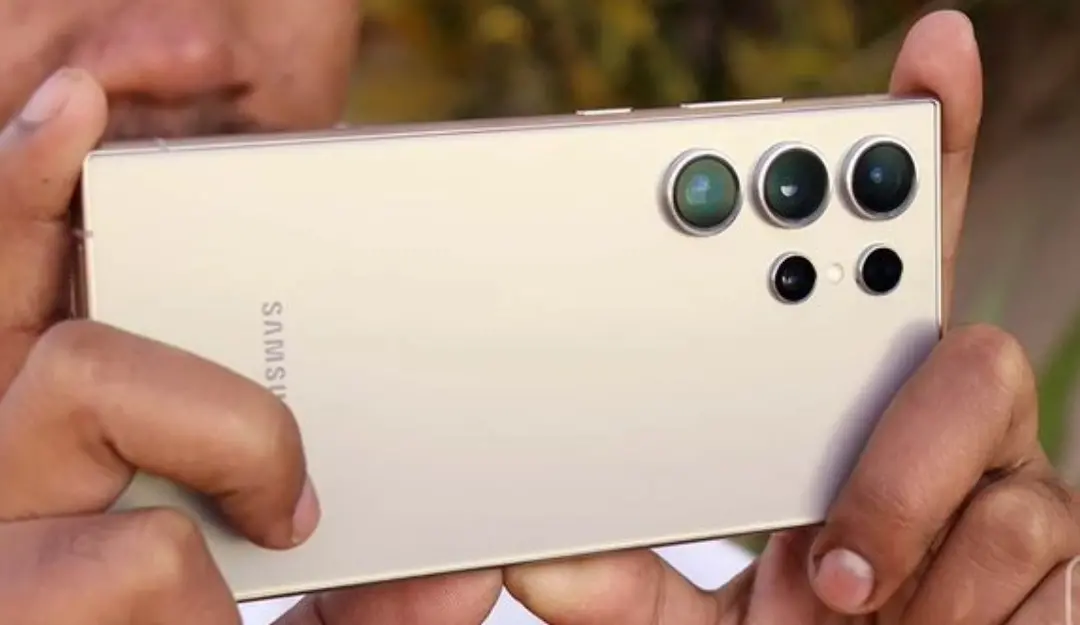
Samsung has temporarily suspended the rollout of its One UI 7.0 stable update after a critical bug was found that prevented some users from unlocking their devices.
The issue primarily affected the Galaxy S24 series, but also impacted other flagship models like the Galaxy Z Flip 6 and Galaxy Z Fold 6, according to multiple reports.
The rollout, which began last week, was abruptly paused after early adopters—particularly in South Korea—reported being unable to unlock their phones post-update. The bug was first spotted in the South Korean firmware for the Galaxy S24 series, and Samsung has since paused the update rollout in all regions, including China.
Meanwhile, Samsung has not yet confirmed the release timeline for the One UI 7 update in India. According to reports, the company is currently reviewing the firmware to resolve the reported bug and ensure a smooth and disruption-free rollout.
What’s New in One UI 7?
Despite the bug, One UI 7 introduces several exciting features aimed at improving user experience, personalization, and productivity.
One UI 7 features a more refined and cohesive design with a simplified home screen, enhanced widgets, and a customizable lock screen. A new addition called the Now Bar provides real-time updates directly on the lock screen, allowing users to track workouts or see media playback without unlocking the phone.
Samsung has deeply integrated Galaxy AI across One UI 7, introducing tools like:
- AI Select: Instantly convert videos into GIFs via the Edge Panel.
- Writing Assist: Summarizes and formats text for messages, emails, and notes.
- Drawing Assist: Allows users to create digital artwork using text or sketches.
- Audio Eraser: Removes unwanted background sounds from video clips.
The update also brings enhanced Google Gemini integration. Users can long-press the side button to access Gemini and issue natural language commands—for instance, asking for restaurant suggestions or real-time weather updates.
Additionally, Settings search now supports conversational input. Saying something like “My eyes are tired” will prompt the system to suggest display comfort settings such as brightness adjustment or Eye Comfort Shield.