Hate making phone calls? Google Gemini can now do it for you
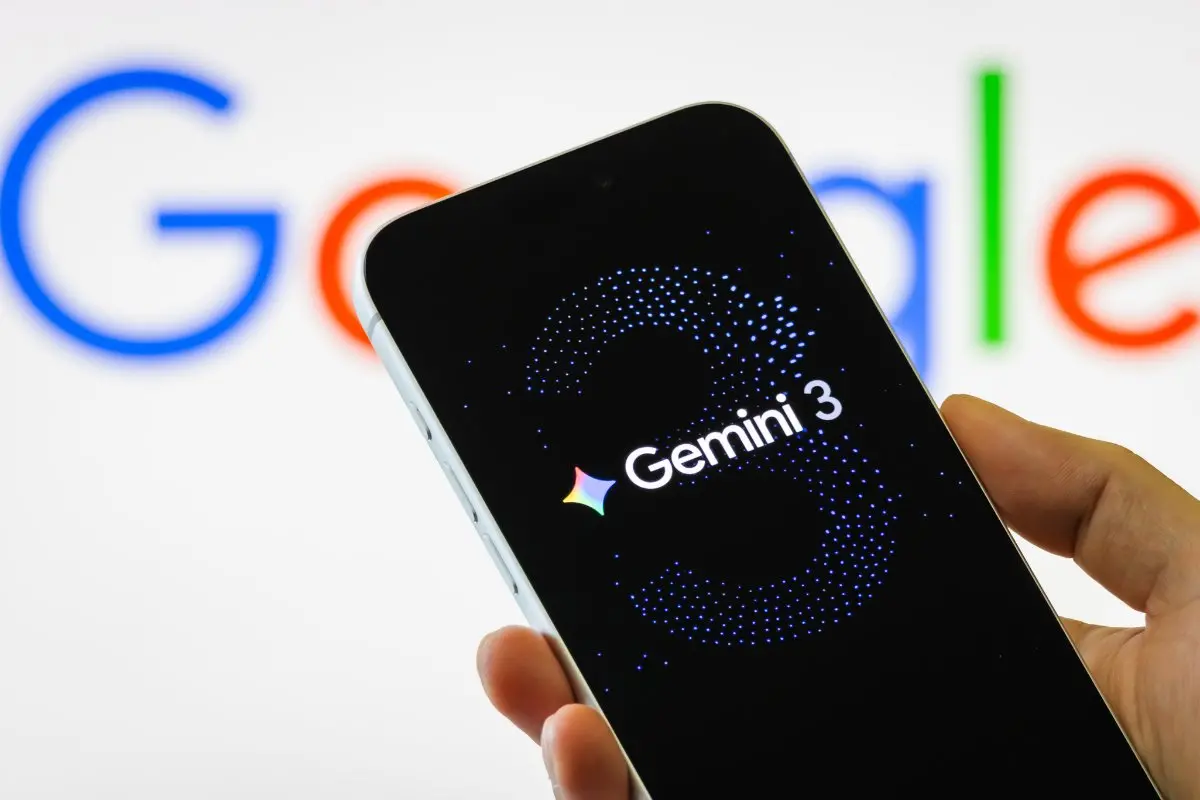
Tired of making phone calls? Google's new Gemini feature can contact businesses on your behalf, check prices, book appointments, and even wait on hold. Here's how it works and who can use it.
In an age when texting on WhatsApp or sending a direct message on Instagram has become the preferred way to communicate, making a phone call can feel like a chore. Yet, some tasks still require a call, whether it is booking a restaurant table, checking the availability of a product or contacting a laundry service.
Google is looking to make such calls easier with a new feature called Call for Me in its Gemini AI assistant. The feature allows Gemini to call businesses on behalf of users, interact with automated phone systems, speak to staff and even wait on hold until someone is available.
According to Google, the AI assistant can handle a range of everyday requests, helping users complete tasks without having to make the call themselves.
The Call for Me feature allows users to ask Gemini to contact a business and obtain specific information or complete a task.
Users can ask the AI to check a store's operating hours, enquire about service prices or find out whether a particular product is in stock. It can also handle more complex requests, such as checking the availability of a tool at a hardware store or rescheduling an appointment.
Google has previously introduced AI-powered calling tools, including Duplex and Ask for Me, with similar capabilities. However, Call for Me expands on these functions by allowing Gemini to handle more detailed requests and continue conversations after being placed on hold.
During a call, Gemini can introduce itself, navigate automated menus and communicate with business representatives. It can also wait on hold until someone answers, a task many people would rather avoid.
To use the feature, users need to open the Gemini app and begin their prompt with “@Call for me.” They can then describe the task they want Gemini to complete, including details such as dates, times, preferences and alternative options.
Before making the call, Gemini presents a summary of the task, including the phone number it will dial and the information it plans to share. Users can review the details, make changes and authorise the AI to proceed.
Once the call begins, users can follow a live transcript and listen to the audio. They can also cancel the call or take over the conversation at any point.
If a user chooses to take over, Gemini will inform the person on the other end of the call before leaving the conversation.
However, Gemini cannot make emergency calls, complete payments on behalf of users or share sensitive personal information such as passwords.