How to keep your phone's battery healthy
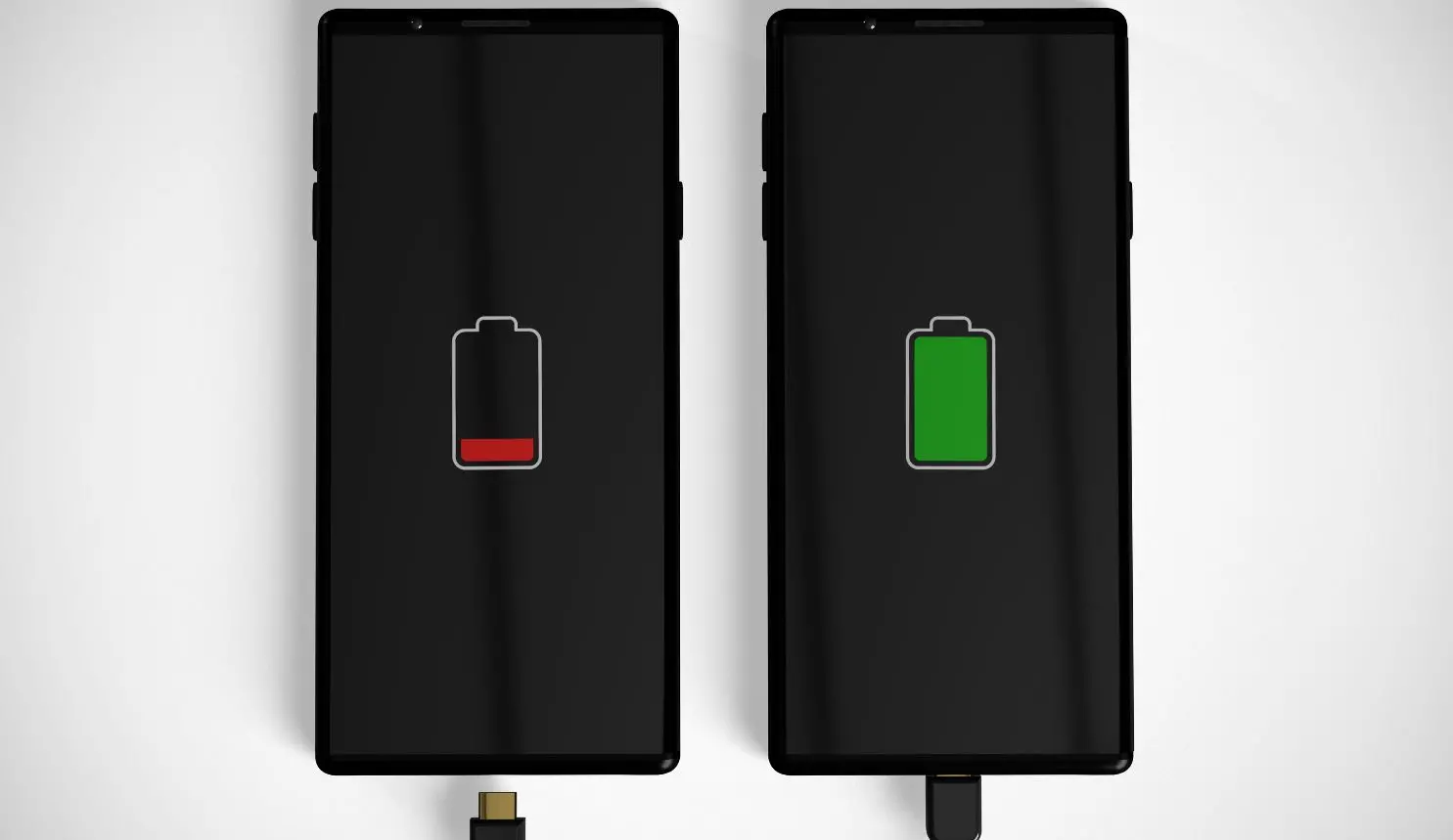
These days, phones are an integral part of our daily lives, and maintaining a healthy battery is key to ensuring smooth performance of the phone. With regular use, battery performance can decline, but with the right habits, you can slow down this process and extend its lifespan. From smart charging practices to optimising settings, small changes can make a big difference. Here’s how you can keep your phone’s battery efficient for the long run.
1. Avoid extreme temperatures
One of the most significant factors affecting battery health is temperature. Both excessive heat and extreme cold can damage a battery’s lifespan. Ideally, smartphone batteries function best between 20°C and 25°C (68°F to 77°F). Exposure to high temperatures, especially above 35°C (95°F), can accelerate battery degradation, while cold weather can cause temporary performance drops. To prevent damage, avoid leaving your phone in direct sunlight, inside a hot car, or near heat sources.
2. Use the right charger and cable
Using third-party, low-quality chargers and cables can damage your battery. Always use the charger and cable provided by the manufacturer or certified alternatives. Cheap chargers may not regulate voltage properly, leading to overheating and reduced battery efficiency.
3. Avoid overcharging your phone
Leaving your phone plugged in overnight may seem convenient, but it can negatively impact battery health in the long run. Most modern smartphones have built-in mechanisms to stop charging once they reach 100%, but staying plugged in can generate excess heat, which degrades the battery over time. If you must charge overnight, consider using a smart plug with a timer to stop charging after a few hours.
4. Reduce screen brightness and timeout
Your phone’s display is one of the biggest battery drainers. Lowering brightness manually or enabling auto-brightness can help conserve battery. Also, setting the screen timeout to 30 seconds or 1 minute ensures that your phone doesn’t stay on unnecessarily.
5. Enable battery saver mode when needed
Smartphones come with a battery saver mode that optimises background activity and reduces power consumption. Activating this feature when your battery is running low can help extend usage time and reduce unnecessary strain on the battery.
6. Limit background apps and features
Apps running in the background can drain your battery without you realising it. To conserve power, regularly check and close apps that you’re not using. Additionally, disabling features like Bluetooth, location services, and background app refresh when not needed can help extend battery life.
7. Optimise apps and background activity
Many apps keep running in the background, consuming battery life. Close unused apps and enable battery saver mode when needed. Keeping apps updated ensures they run efficiently, reducing battery drain.
8. Avoid using your phone while charging
Using your phone for heavy tasks like gaming or video streaming while charging can generate excess heat. This heat affects battery health and may cause long-term damage. It’s best to let your phone charge undisturbed.
9. Update your software regularly
Smartphone manufacturers release software updates that often include battery optimisation improvements. Keeping your phone’s operating system up to date ensures you have the latest efficiency enhancements and bug fixes that can help prolong battery life.
10. Use Dark Mode (For OLED Screens)
For phones with OLED or AMOLED screens, enabling dark mode can reduce power consumption, especially when using apps for extended periods. Since black pixels require less energy than bright ones, dark mode can contribute to better battery efficiency.
11. Store properly when not in use
If you plan to store your phone for an extended period, ensure the battery is around 50% charged before turning it off. Storing it at 0% or 100% can damage the battery over time. Keeping it in a cool, dry place will also help preserve its lifespan.
12. Avoid full charge cycles frequently
One of the biggest misconceptions about smartphone batteries is that they need to be fully charged to 100% and drained to 0% regularly. Modern lithium-ion batteries work best when they operate between 20% and 80%. Constantly charging your phone to 100% or letting it drain completely can accelerate battery wear.
Taking proper care of your phone’s battery can help maintain its performance and extend its lifespan. Simple practices like avoiding extreme temperatures, using the right charger, and maintaining an optimal charge range can go a long way in keeping your device running efficiently. By following these tips, you can ensure your smartphone battery stays healthy for years to come.