iOS 18.1 is now live! Here's how to get Apple Intelligence on your iPhone
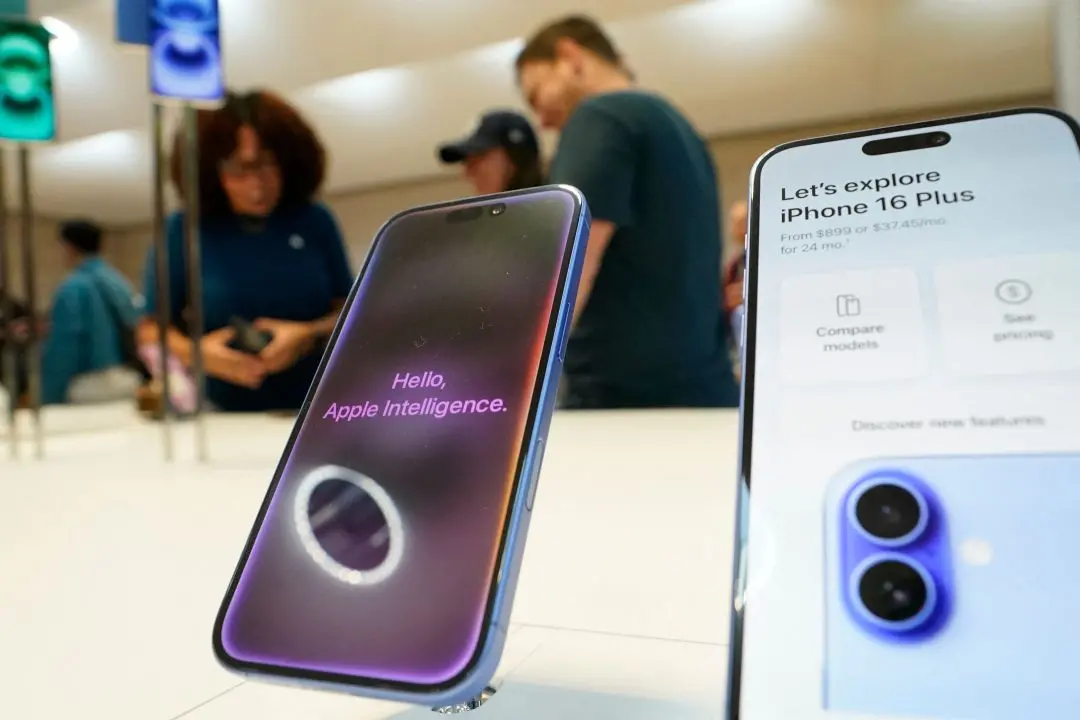
Apple has officially launched its first Apple Intelligence features with the release of iOS 18.1, bringing smarter functionality to its devices. The update, which rolled out on Monday, introduces several AI-powered tools, including enhancements to Siri and new writing and photo-editing capabilities.
However, some of the highly-anticipated AI features -- such as Genmoji and ChatGPT integration -- are yet to be released.
Apple Intelligence now Live: Siri gets a boost
The iOS 18.1 update introduces generative AI-powered writing tools, offering users options for rewriting and summarizing text across Apple’s native apps and compatible third-party apps.
Siri has also been revamped with Apple Intelligence, featuring a new conversational interface and enhanced abilities to answer queries related to Apple device settings. Siri's updated interface includes a glowing light on iPhone screens and the ability to freely position Siri on Mac desktops. Users can now switch effortlessly between typing and voice commands when interacting with Siri on their devices.
Devices equipped for Apple Intelligence
Apple Intelligence is only compatible with the latest Apple devices powered by Apple Pro chips. These include the iPhone 16 series, iPhone 15 Pro models, and iPads equipped with A17 Pro or M1 and later chips. The AI-powered features are also only available when both the device and Siri language are set to US English.
How to activate Apple Intelligence in India?
For users in India who wish to enable Apple Intelligence, the process involves adjusting language settings on their iPhone. The primary language must be set to English (US), and users can then join the Apple Intelligence waitlist. After receiving a notification, they will be able to access the new AI features.
Step 1: Update your iPhone to iOS 18.1.
Step 2: Navigate to Settings > General > Language and Region.
Step 3: Add English (US) as your primary language.
Step 4: In Settings, select the Apple Intelligence and Siri option, and set the Siri request language to English (US).
Step 5: Join the Apple Intelligence Waitlist.
Once notified, customize your preferences for AI-driven notifications.
Major changes to the Photos App
One of the standout AI tools in iOS 18.1 is the "Clean Up" feature in the Photos app, which allows users to remove unwanted objects from photos with a simple tap. The app now also supports natural language search, enabling users to quickly find and organize photos using simple, conversational search queries.
Experts have noted that users may find the initial rollout somewhat limited in terms of AI functionality, but the phased introduction promises more advanced features in the future.
Agencies