Android 16 QPR2 update lands on Pixels: Widgets, custom icons and cool new tricks await!
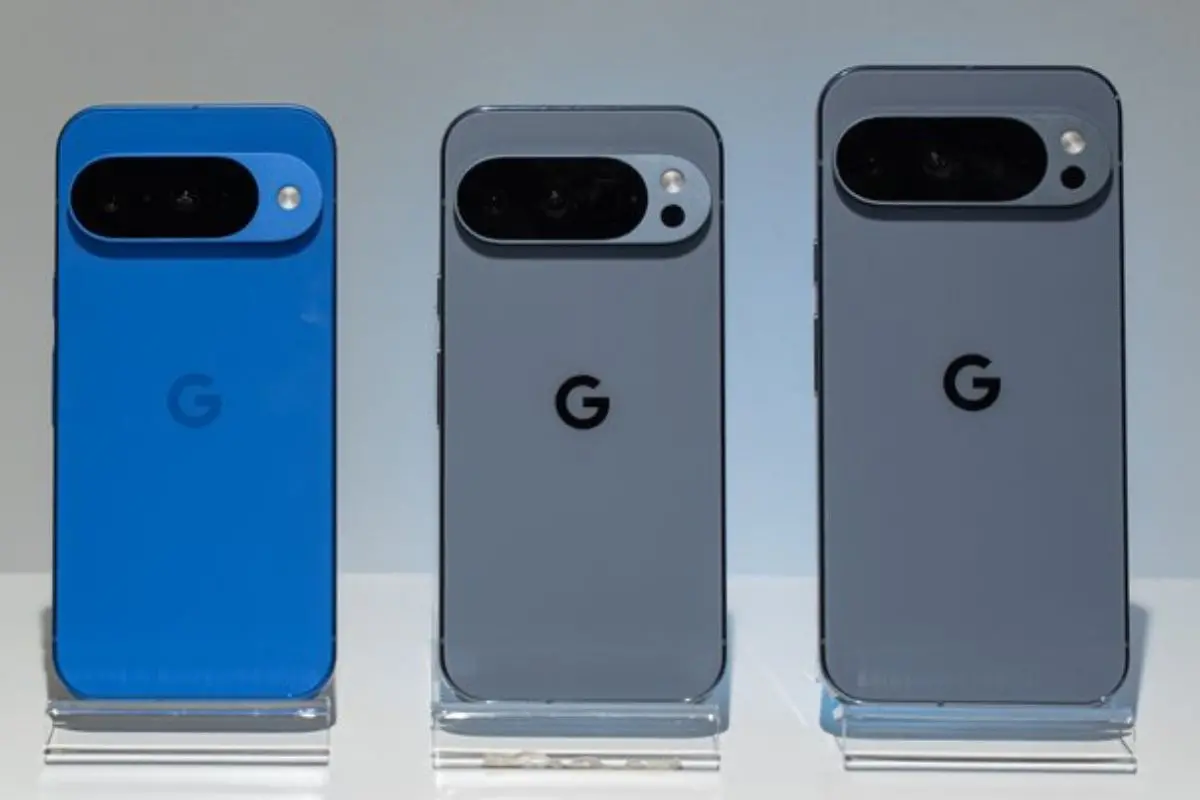
Tech giant Google has officially rolled out the Android 16 QPR2 update for its Pixel devices, including Pixel 6 series and newer models, Pixel 7, 8, 9, and Pixel 10 variants.
The update introduces a suite of customisation, productivity, and security features, enhancing both functionality and user experience.
One of the key additions is the lockscreen widget feed, accessible by swiping left on the lockscreen. Users can resize, remove, or add widgets via the refreshed widget picker with Featured and Browse tabs. While widgets are visible without unlocking the device, authentication is required to open apps, maintaining user privacy.
Android 16 QPR2 also introduces custom icon shapes on the homescreen, notification organisers to group low-priority alerts, and Themed Icons that now apply to all apps. Long-press menus on apps include new options for quickly adding shortcuts. The Pixel Launcher search bar sees minor adjustments with larger icons and enhanced Dynamic Color. Live Caption is now accessible directly from the volume slider.
Material 3 styling enhancements extend to the Settings app, including a redesigned Notification history page and updates to Security & Privacy. Parental controls are now separate from Digital Wellbeing, making it easier to monitor screen time, app usage, and downtime schedules.
Display and accessibility improvements include Enhanced HDR brightness with an adjustable slider and an expanded dark theme that applies to most apps. Health Connect integration allows step tracking directly from the device.
To install, users should navigate to Settings > System > System update. Android 16 QPR2 Beta users must opt out to switch to the stable release without losing data.