How to get your e-OCI card: A simple step-by-step guide
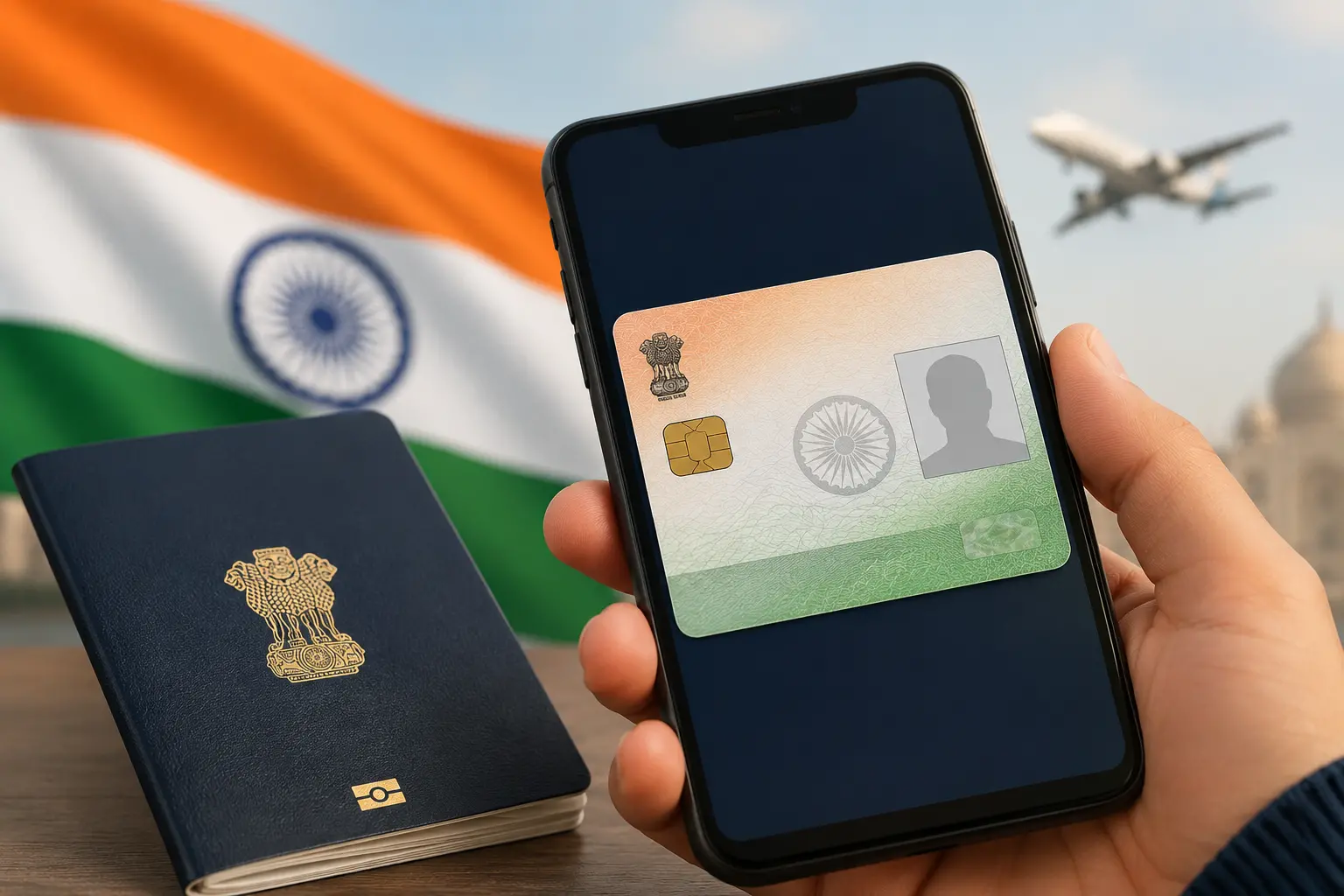
India has introduced the e-OCI (Electronic Overseas Citizen of India) Card, making it easier for Overseas Citizen of India (OCI) cardholders to access a digital version of their OCI card.
The e-OCI card can be stored on your smartphone and presented, along with your valid passport, during travel and identity verification. Existing physical OCI cards will continue to remain valid.
What is an e-OCI card?
The e-OCI card is the digital version of the traditional OCI card. It allows OCI cardholders to securely store and access their OCI credentials on a mobile device, reducing the need to carry the physical booklet at all times.
Who can get an e-OCI card?
Existing OCI cardholders can generate and download the digital e-OCI card.
New applicants will receive access to the e-OCI card after their OCI application is approved.
Steps to download your e-OCI card
- Go to the official OCI Services Portal.
- Log in using your registered user ID and password. If you haven't created an account yet, register using the same email address used during your OCI application.
- After logging in, navigate to your dashboard and select the e-OCI tab.
- Locate your OCI application details and click "Generate e-OCI Card".
- Once the card has been generated, download it and save it securely on your smartphone or another trusted device.
Present your digital e-OCI card along with your valid passport whenever required for travel or identity verification.
During the initial rollout, carrying your physical OCI card as a backup is also recommended.