Google launches Android 16: Here’s what you need to know
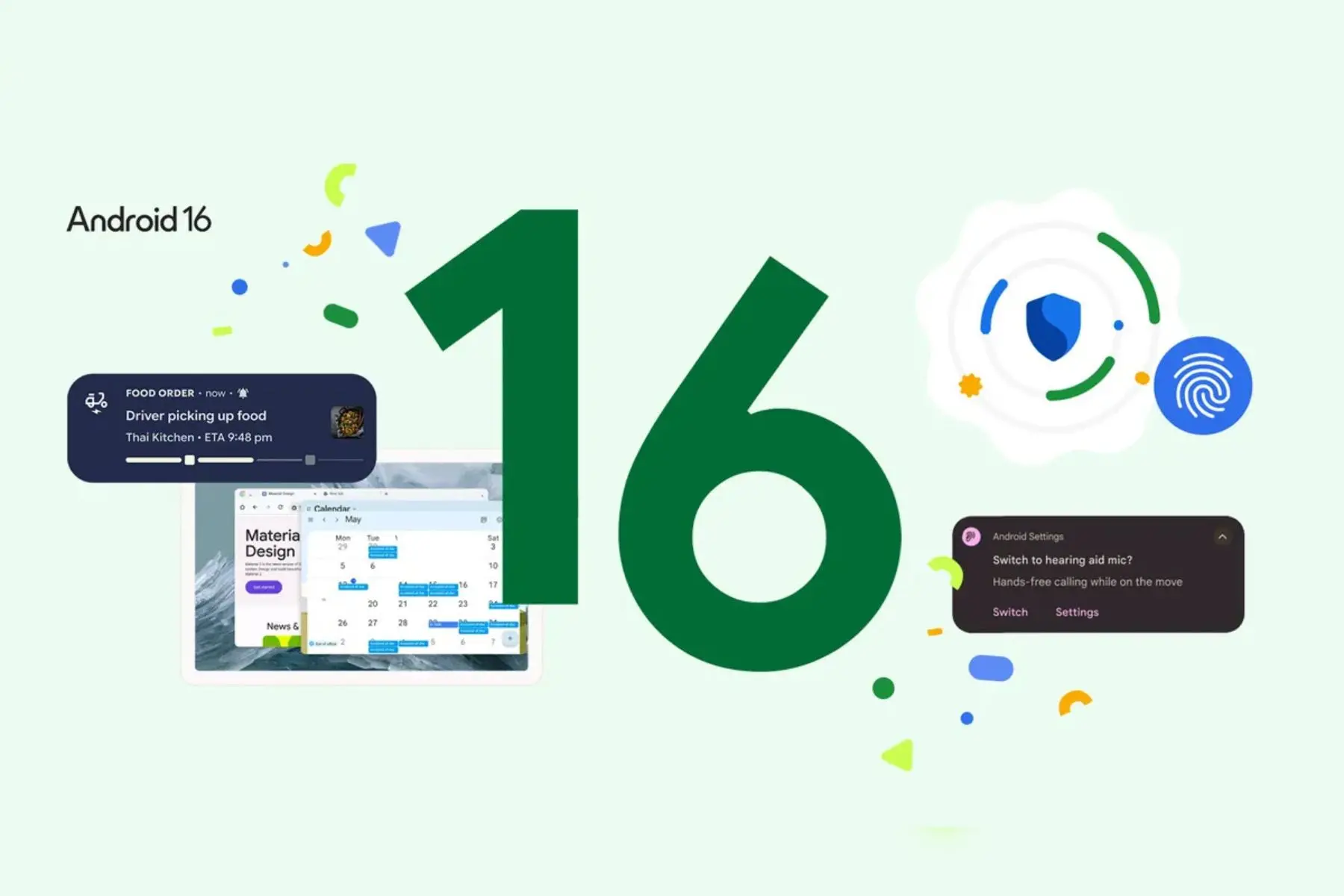
In a swift and anticipated response to Apple's recent iOS 26 unveiling at Worldwide Developers Conference (WWDC) 2025, Google on Tuesday announced the official launch of Android 16. The announcement came via a post on the official Android Developer account on X, signalling a new era for the world's most widely used mobile operating system.
The post read, “Android 16 has landed. Experience smoother apps and powerful new features: Minor SDK releases, Edge-to-edge for apps targeting API 36, Enhanced camera & media capabilities, Better performance & battery life, Seamless large-screen app resizing for apps targeting API 36”.
Key Innovations to Expect from Android 16
Android 16 introduces a suite of features aimed at refining the mobile experience across various user needs:
Streamlined and up-to-date notifications: Bid farewell to constant app-checking. Android 16 ushers in live updates for notifications, beginning with compatible ride-share and food delivery applications. This real-time information aims to keep users informed without needing to open the app. Google is actively collaborating with app partners to integrate this capability across the Android ecosystem, including Samsung's Now Bar and OPPO and OnePlus' Live Alerts.
Clearer, simpler calling with hearing devices: A significant stride in accessibility, Android 16 brings substantial improvements for individuals utilizing hearing aids. Current LE audio hearing devices primarily use their front-facing microphones for audio input. The new update allows users to seamlessly switch to their phone's microphone for clearer voice transmission during calls. Furthermore, Android 16 integrates native control for hearing devices, offering easier access and a consistent experience directly from the Android phone, allowing users to manage settings like volume with unprecedented ease.
Stronger security in a single tap: Security takes centre stage with the introduction of Advanced Protection in Android 16. This feature represents Google’s most robust mobile device protection, offering a comprehensive shield against a spectrum of online threats, including malicious applications, unsafe websites, and scam calls. Designed for public figures and security-conscious individuals alike, Advanced Protection provides enhanced peace of mind against even the most sophisticated digital attacks.
Enhanced productivity for tablets: Building on the foundation laid by Samsung DeX, Android 16 significantly elevates tablet productivity. Google has collaborated closely with Samsung to develop "desktop windowing," a groundbreaking method for interacting with applications and content on large-screen devices. Beyond the traditional single-app and split-screen modes, users can now open, move, and resize multiple application windows simultaneously, mirroring a desktop environment. This functionality will roll out later this year on compatible devices.
Camera and media APIs to empower creators: Android 16 significantly upgrades camera and media capabilities, especially for pros. Expect enhanced control over your shots with features like better night mode scene detection, hybrid auto exposure, and precise colour temperature adjustments. Capturing motion photos is now easier, and UltraHDR images are improving with HEIC support and new industry standards.
For professional video, the new Advanced Professional Video (APV) codec ensures near-lossless quality that survives multiple decodings/re-encodings without the fear of losing the video quality, making Android a stronger contender in high-end production. Plus, the photo picker is more integrated into apps, and you can now search your cloud media directly.
Looking ahead, Android 16 will also introduce custom keyboard shortcuts, enabling users to create personalized hotkey combinations, and taskbar overflow, a visual aid for navigating a full taskbar. Future updates are anticipated to bring even more productivity enhancements, including the ability to connect tablets and phones to an external display for an expanded desktop experience, with developers already able to test these features.