Simplify workflow: Explore Google Chrome's new split view, PDF tools and seamless Google Drive saves
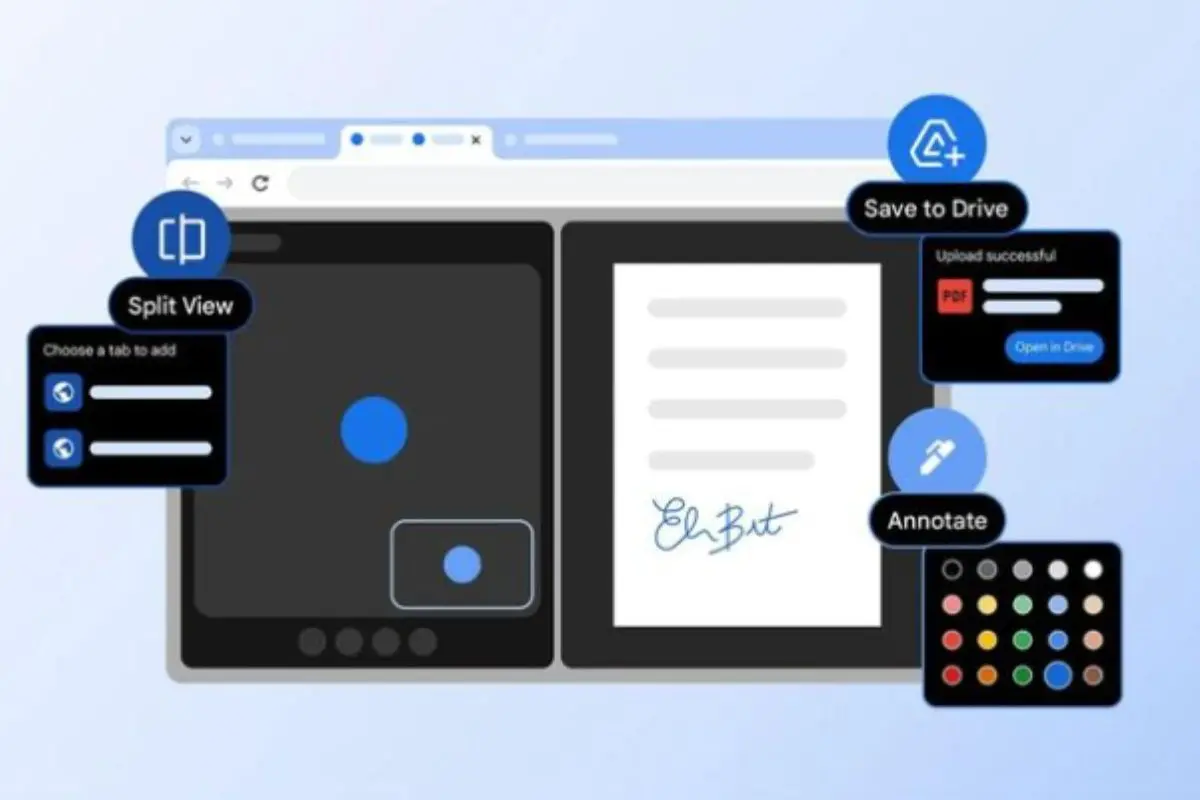
New Delhi: Google has rolled out three new productivity features in Google Chrome for web users, introducing split-screen browsing, built-in PDF annotation and a direct “Save to Google Drive” option, according to latest technology reports.
According to a post on the official Google blog, the latest Chrome update is designed to reduce tab switching, simplify document editing and streamline file management. The new tools aim to improve workflow efficiency by keeping tasks within a single browser window.
Chrome split screen for multitasking
The headline feature in the update is split view in Chrome, which allows users to display two tabs side by side within one browser window.
Google said the feature is intended to reduce the need to switch between multiple tabs or open separate windows. It creates a more organised workspace inside the browser.
Early testers have used split screen in Chrome for tasks such as grading assignments, taking notes while watching educational videos and referring to documentation while coding. By keeping two tabs visible at once, the feature supports smoother multitasking and fewer workflow interruptions.
Also Read | Google launches Gemini 3.1 Pro: Reasoning performance doubles in major AI leap
PDF annotation directly in Chrome
Chrome’s built-in PDF Viewer has also been upgraded. Users can now highlight text and add notes directly within a PDF file in the browser, without downloading it or using third-party software.
Google said the PDF annotation feature in Chrome enables faster document review and editing. It can be used to sign documents, review reports, mark up study material or highlight key information.
The addition removes the extra step of exporting files to separate applications for basic editing tasks.
Save PDFs directly to Google Drive
Another major change is the introduction of a “Save to Google Drive” option in Chrome for PDF files.
Instead of downloading a document to a local device and uploading it later, users can now send files directly to Google Drive. Files saved this way will automatically be stored in a “Saved from Chrome” folder within Drive.
Google said the feature is designed to make downloaded files easier to locate and accessible across devices, benefiting both individual users and enterprise customers.
The latest Google Chrome features underscore the company’s push to enhance browser-based productivity, offering built-in tools that reduce reliance on external apps and improve digital workflow management.