How to activate international transactions on your SBI Debit Card
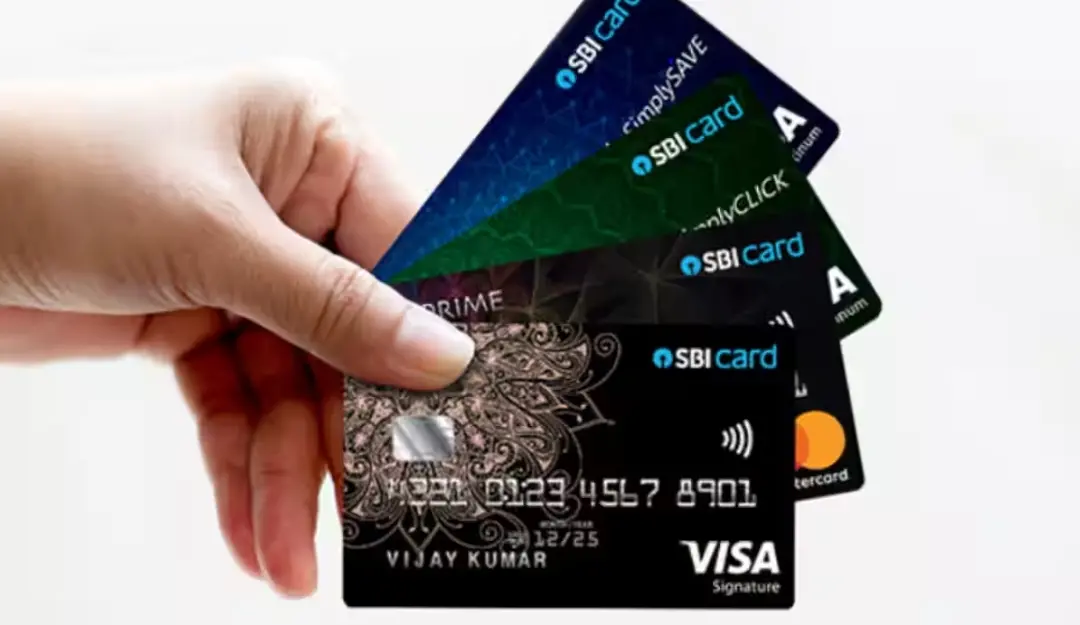
State Bank of India (SBI) customers can enable international transactions on their debit cards using four different methods: Net Banking, the YONO App, SMS, and Customer Care. This service is essential for those travelling abroad or making international online purchases.
1. Activate via SBI net banking
To enable international transactions through SBI Net Banking, follow these steps:
- Log in to SBI Net Banking using your credentials.
- Go to the ‘e-Services’ tab and select ‘ATM Card Services’.
- Click on ‘ATM Card Limit/Channel/Usage Change’ and select your account and card.
- Enable ‘International Usage’, submit your request, and verify via OTP.
2. Activate via SBI YONO app
Customers using the SBI YONO app can enable the service by:
- Logging into SBI YONO and selecting ‘Service Request’ under ‘Quick Links’.
- Choosing ‘ATM/Debit Card’ and entering the profile password.
- Selecting ‘Manage Cards’, enabling ‘International Usage’, and verifying via OTP.
3. Activate via SMS
Ensure your mobile number is registered with SBI, then send an SMS in the following format to 9223966666:
SWON INTL XXXX (replace XXXX with the last four digits of your debit card).
4. Activate via customer care
Customers can also activate international usage by calling SBI’s toll-free numbers: 1800 1234, 1800 2100, 1800 11 2211, 1800 425 3800.
SBI customer care services are available in 12 languages, including Hindi, English, Telugu, Bengali, Tamil, Kannada, Marathi, Malayalam, Odia, Gujarati, Assamese, and Punjabi.
By following these simple steps, SBI customers can seamlessly activate international transactions and enjoy hassle-free global payments.
(Disclaimer: The information provided here is for general guidance on activating international transactions for SBI debit cards. Banking policies and procedures may change, and eligibility for international transactions may vary based on account type, card variant, and security regulations. For the most accurate and up-to-date details, it is advisable to visit the official SBI website, contact SBI customer support, or visit your nearest SBI branch before proceeding with any international transactions.)